
How to Prepare Your Post-Production Session at ForCut Studio
You've booked a post-production room at ForCut Studio in Paris? Congratulations! To make the most of your editing, grading, or finishing session, effective preparation is essential. This comprehensive guide walks you through every step to optimize your studio time and ensure a smooth workflow.
First time at ForCut?
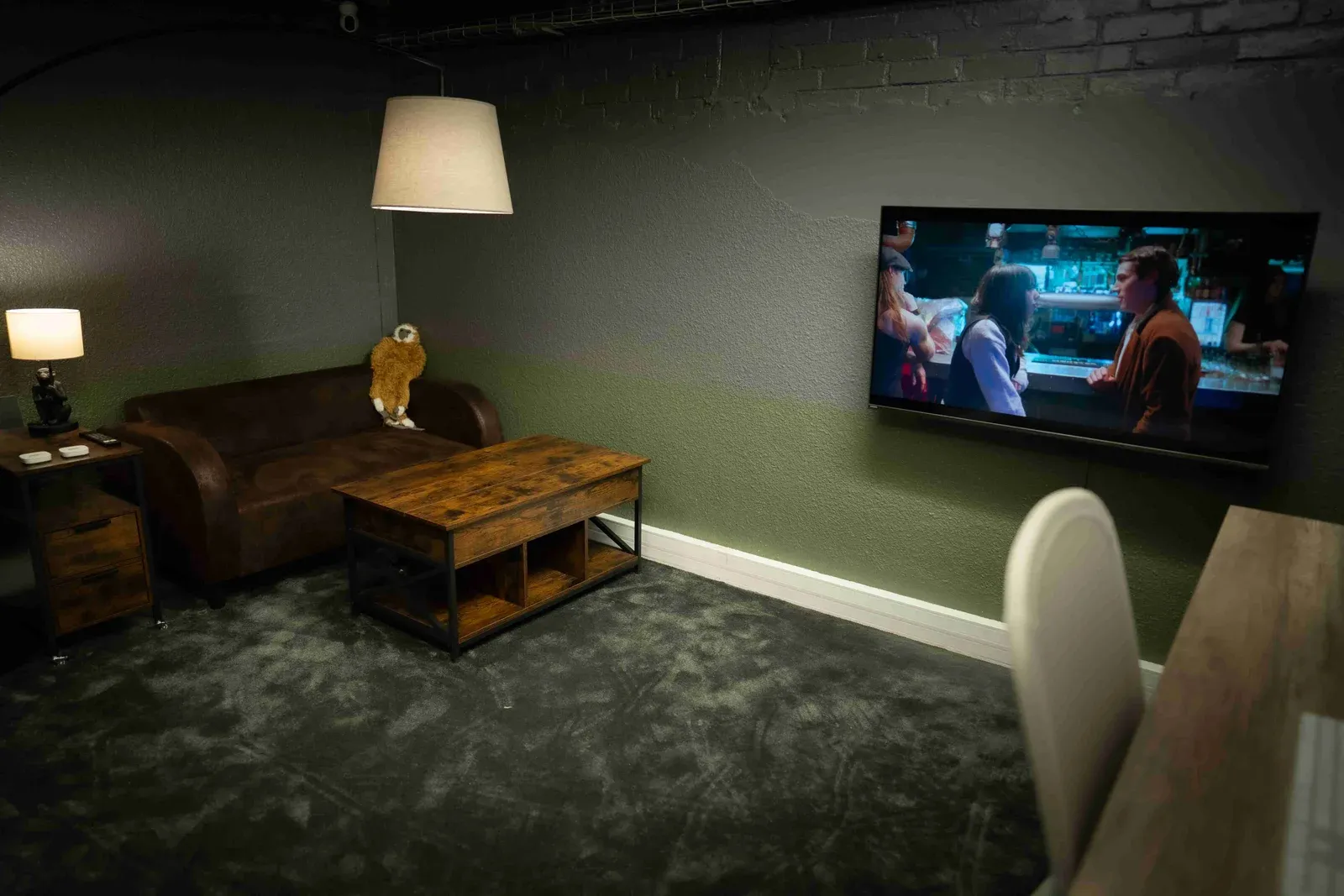 Your first session at ForCut
Everything to know before you come to edit or grade at ForCut: booking, access, what to bring, start-up and end of session.
Table of Contents
Why Prepare Your Session Well?
A well-prepared session allows you to: • Save precious time on-site • Avoid technical issues and data loss • Work autonomously and efficiently • Fully leverage our pro equipment (Mac Studio, M2 Ultra, calibrated monitors, DaVinci Resolve Studio) • Meet your deadlines and optimize your budget
1. Prepare Your External Hard Drive
The backbone of your session
Your footage, projects, and media must be stored on a fast and reliable external drive.
Pro Tips
- ✓ Thunderbolt 3/4 or USB-C 3.1 external SSD (minimum)
- ✓ Read/write speed: 500 MB/s minimum (ideal: 1000 MB/s+)
- ✓ Capacity suited to your project (1 TB minimum recommended)
- ✓ Mac formatting (APFS or HFS+) or exFAT for cross-platform compatibility
- ✓ Test your drive before the session (verify it mounts correctly)
For Beginners
- ✓ Avoid slow mechanical hard drives (HDD)
- ✓ Prefer an SSD for speed and reliability
- ✓ Backup your important files before the session
2. Organize Your Files and Software
Workflow and project structure
A well-organized project = a stress-free session.
Pro Tips
- ✓ Clear folder structure: Footage / Projects / Audio / Exports / References
- ✓ Name your files consistently (no special characters)
- ✓ Use proxies for heavy files (4K, 6K, 8K RAW)
- ✓ Prepare your LUTs, plugins, and presets in advance
- ✓ Check your project version compatibility with our software (DaVinci Resolve Studio, Premiere Pro, Final Cut Pro, Avid)
For Beginners
- ✓ Organize your footage by scene or date
- ✓ Delete unnecessary files before arriving
- ✓ Note which software you'll need
3. Prepare Before Your Arrival
Anticipation and planning
A few simple actions for a quick start.
- Confirm your booking and time slot
- Verify your hard drive is fully loaded and functional
- Note your specific needs (plugins, fonts, LUTs to install)
- Prepare your visual or audio references (films, images, music)
- If working as a team, sync up before the session
- Take note of the studio address and plan your route
4. Installation and Session Startup
First steps in the studio
Our team welcomes you and sets up your workstation. Here's what happens:
1Welcome and studio tour
2Installation of your hard drive and connection verification
3Software configuration (licenses, preferences, plugins)
4Video playback test and monitor calibration if needed
5Explanation of equipment usage (grading panel, monitors)
6Validation that everything works, you're ready to work!
5. Best Practices During the Session
Work efficiently and safely
For optimal workflow and to avoid surprises:
- Save your project regularly (Command+S is your friend)
- No food or drinks in technical studios (strict rule)
- Only install legal software (pirated downloads prohibited)
- Respect the equipment and don't unplug anything without permission
- Take regular breaks to stay focused
- If technical issues arise, contact us immediately
6. End of Session, Exit Checklist
Return the workstation in perfect condition
Before leaving, make sure to:
- Export all your final files
- Delete ALL your personal files from the Mac (mandatory confidentiality)
- Empty the system trash
- Properly disconnect your hard drive (safe eject)
- Turn off monitors and the Mac Studio
- Leave the studio clean and tidy
Need Support or Additional Services?
We're here to help
ForCut Studio also offers:
- → Technical assistance (software training, workflow)
- → Connection with freelance editors, colorists, or technicians
- → Long-term rental (weekly, monthly) with preferential rates
- → Workflow consulting and project optimization
- → Professional audio description and SDH subtitling (via our partner foraccess.fr)
Frequently Asked Questions
Can I install my own plugins?
Yes, you can install your personal plugins, fonts, and LUTs at your own responsibility. Pirated software is strictly prohibited.
What hard drive format should I use?
We recommend APFS or HFS+ for Mac, or exFAT for cross-platform compatibility.
Can I test the equipment before my session?
Yes, upon prior email request (bonjour@forcut.studio), we can arrange a discovery time slot.
What happens if I forget to delete my files?
For confidentiality and security reasons, we will remind you to do so. It's a strict requirement.
Ready to Book Your Session?
Discover our premium post-production rooms in Paris equipped with Workstation Mac Studio, M2 Ultra (192 GB RAM, 76-core GPU) and book now.